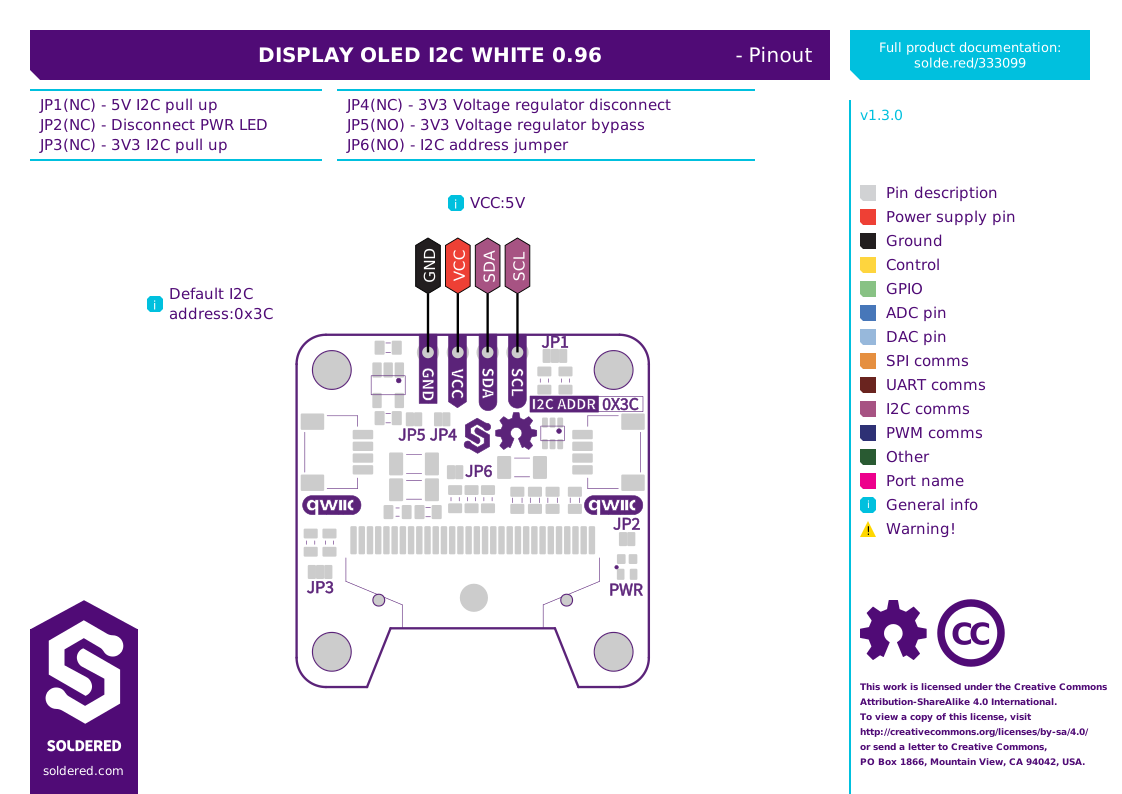
Display OLED I2C 0.96" SSD1306 Blue screen color
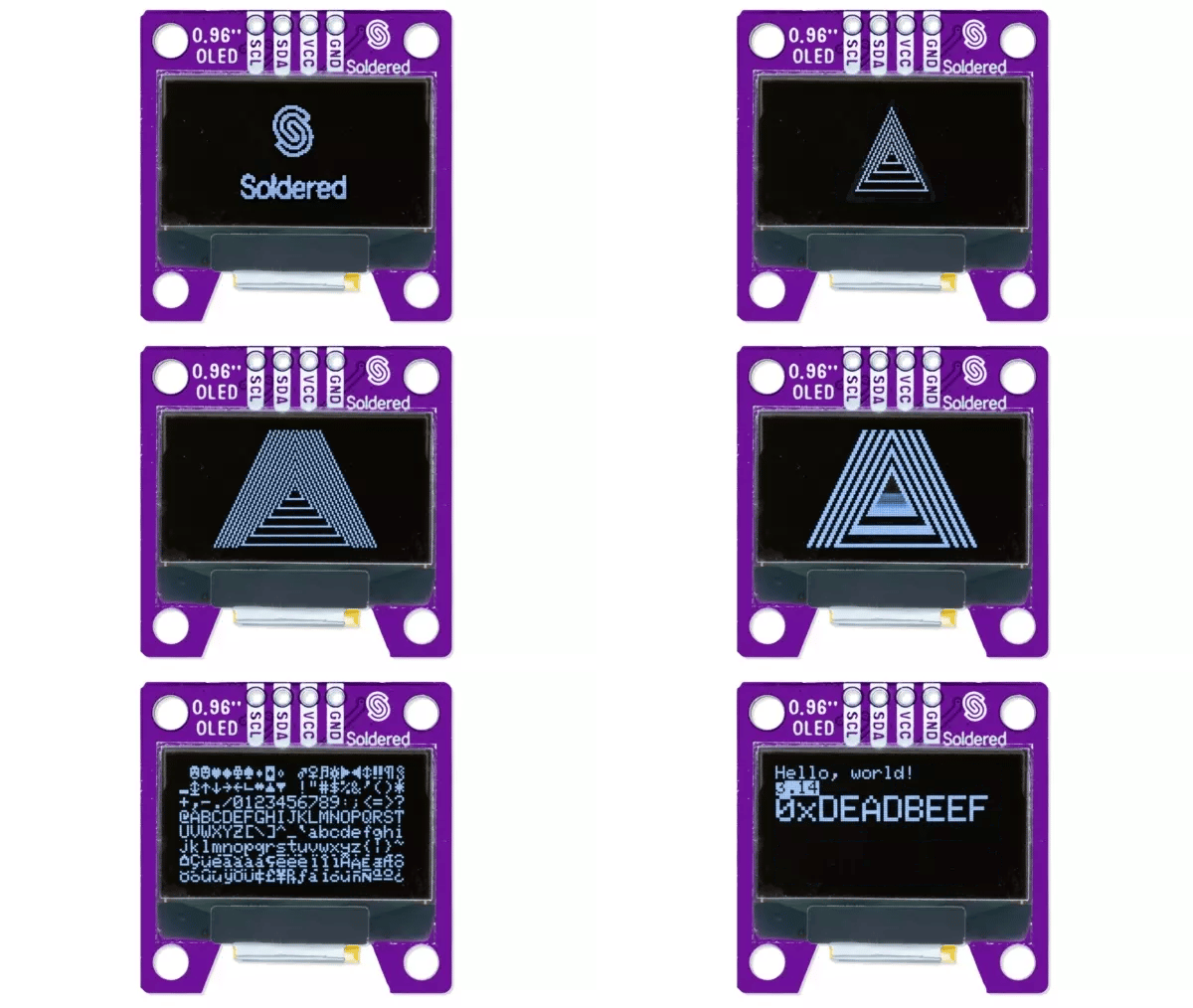
Looking to add visuals to your Arduino projects? The I2C OLED breakout board is perfect for that. Because of its high contrast, you will be in awe of its crispness! The display is made from hundreds of LEDs, each representing one pixel in a 128x64 grid. Thus, it doesn't need any backlight, and it needs less power than the classic LCD screens. That's 8192 pixels all individually lit at your fingertips!
The design is 5V ready with an onboard regulator, so is compatible with any 3.3V board. The breakout board uses only about 20 mA, depending on active pixels. It is easy to control over the I2C interface. It is even easier to connect with the qwiic system - no soldering required!
- Screen diagonal: 0.96" wide
- Current consumption: ~20 mA (depending on active pixels)
- Logic voltage level: 5V (on I2C header)
- Operating voltage: 5V (onboard regulator for 3.3V)
- Communication: I2C (address: 0x3C)
- Connectors: Qwiic x2
- Optional white pixel color
- Optional blue pixel color
- Mounting holes: 2
- Dimensions: 30 x 30 mm / 1.2 x 1.2 inch
Interface
| Interface | I2C |
|---|---|
| Qwiic Compatible | Yes |
| I2C Address Default | 0x3C |
| I2C Address Changeable | No |
| Breadboard Compatible | Yes |
Power
| Supply Voltage Min V | 3.3 |
|---|---|
| Supply Voltage Max V | 5 |
| Logic Level | 3V3 Or 5V |
| Operating Current (mA) | 20 |
Other
| Ic Part Number | SSD1306 |
|---|
Plug into any Soldered Dasduino or microcontroller with an easyC cable — no soldering required.
Add the Soldered library for your language (below).
Open the get-started example and read your first value.